Superset
Integrate with Superset
Start Superset with Docker Image
Start running Superset Image with pre-built Superset Pinot connector.
1. Run below command to start a standalone Superset deployment
docker run \
  --network pinot-demo \
  --name=superset \
  -p 8088:8088 \
  -d apachepinot/pinot-superset:latest
2.1. (First time) Set up Admin account by running below command and follow instructions to set password.
2.2. (First time) DB upgrade and Initialize Superset
3. Import Pre-defined Pinot Datasources and Dashboard
4. Go to SuperSet UI: to play around with dashboard.
Adding Pinot Database
In order to add Pinot cluster as a database, a SQLAlchemy URI is required.
The format of URI is:
pinot://<pinot-broker-host>:<pinot-broker-port><pinot-broker-path>?controller=<pinot-controller-host>:<pinot-controller-port>
E.g.
pinot://pinot-broker:8099/query/sql?controller=http://pinot-controller:9000/
Click TEST CONNECTION to check if the Pinot cluster is successfully connected.
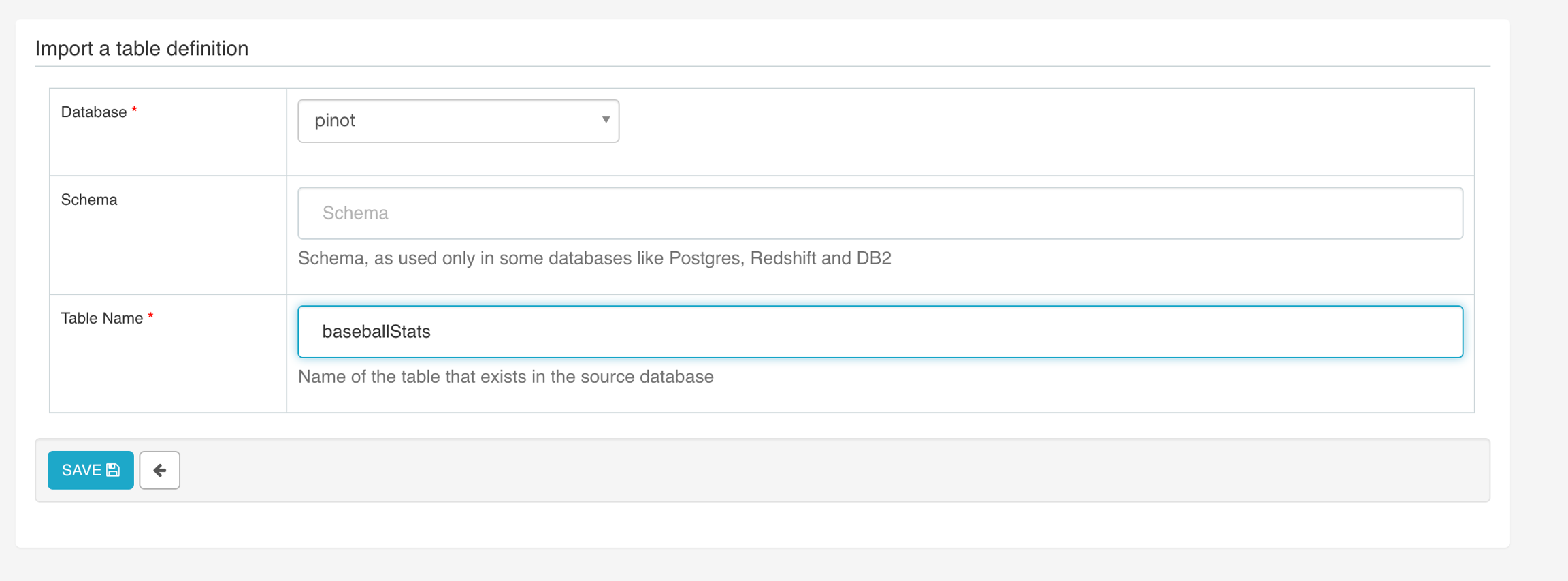
Adding Pinot Table
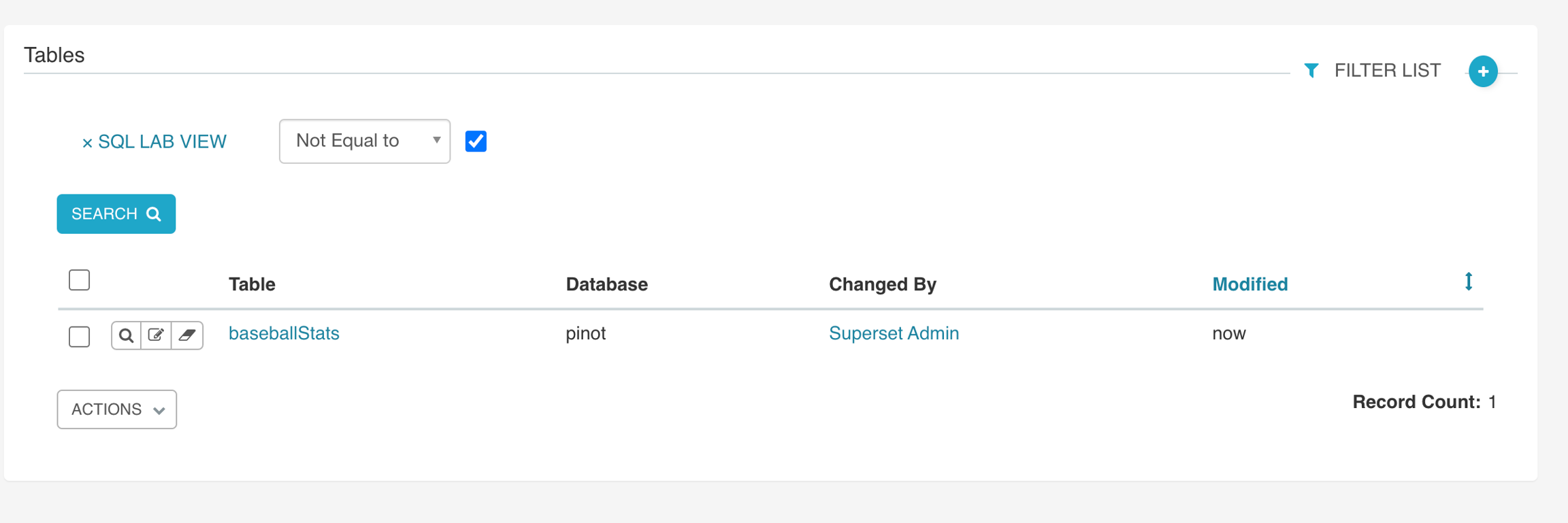
User can add an existing table into Superset:
User can edit table/column definition by clicking the edit button left to the table name.
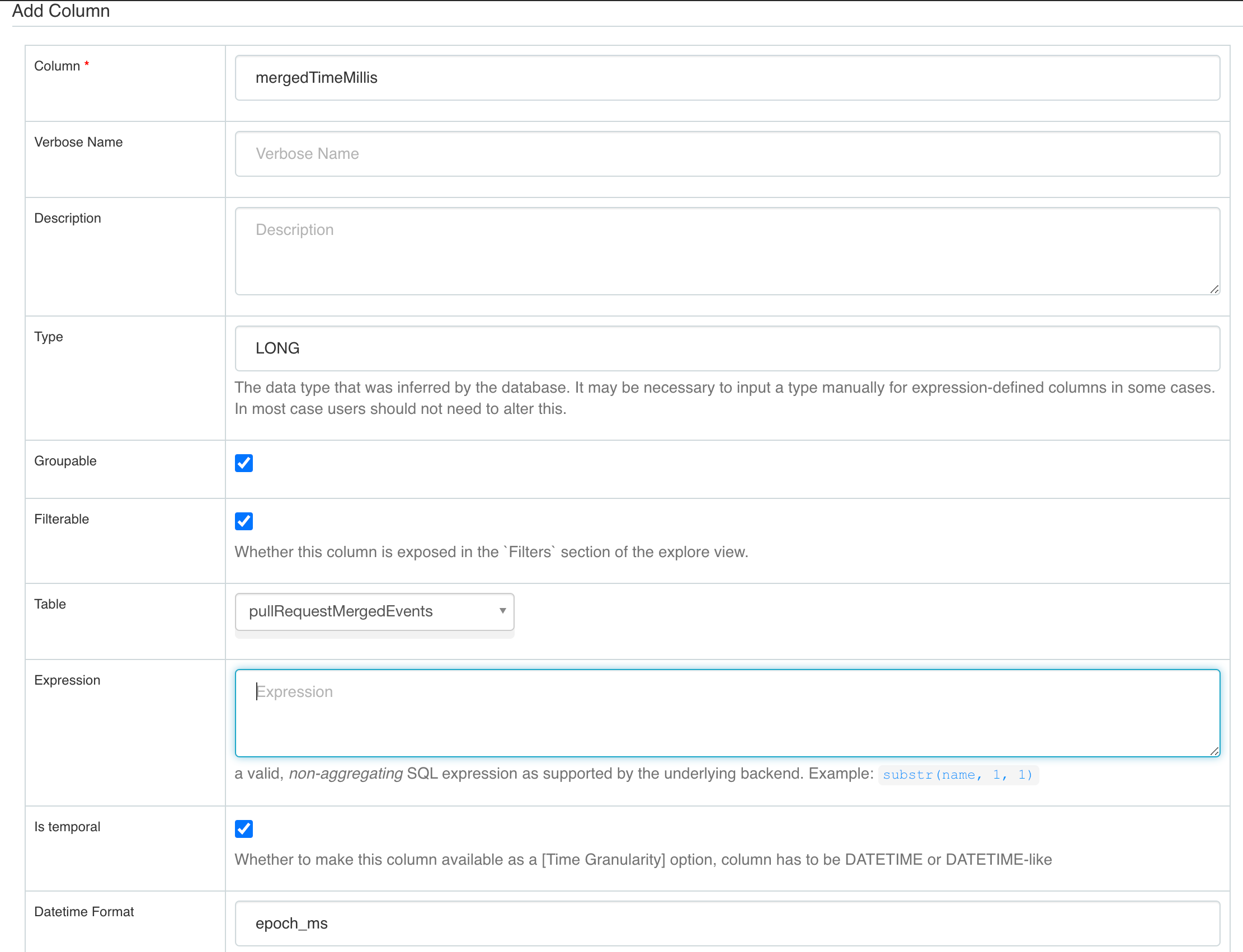
Configuring time column
User can configure an existing column mergedTimeMillis as temporal and set Datetime Format accordingly.
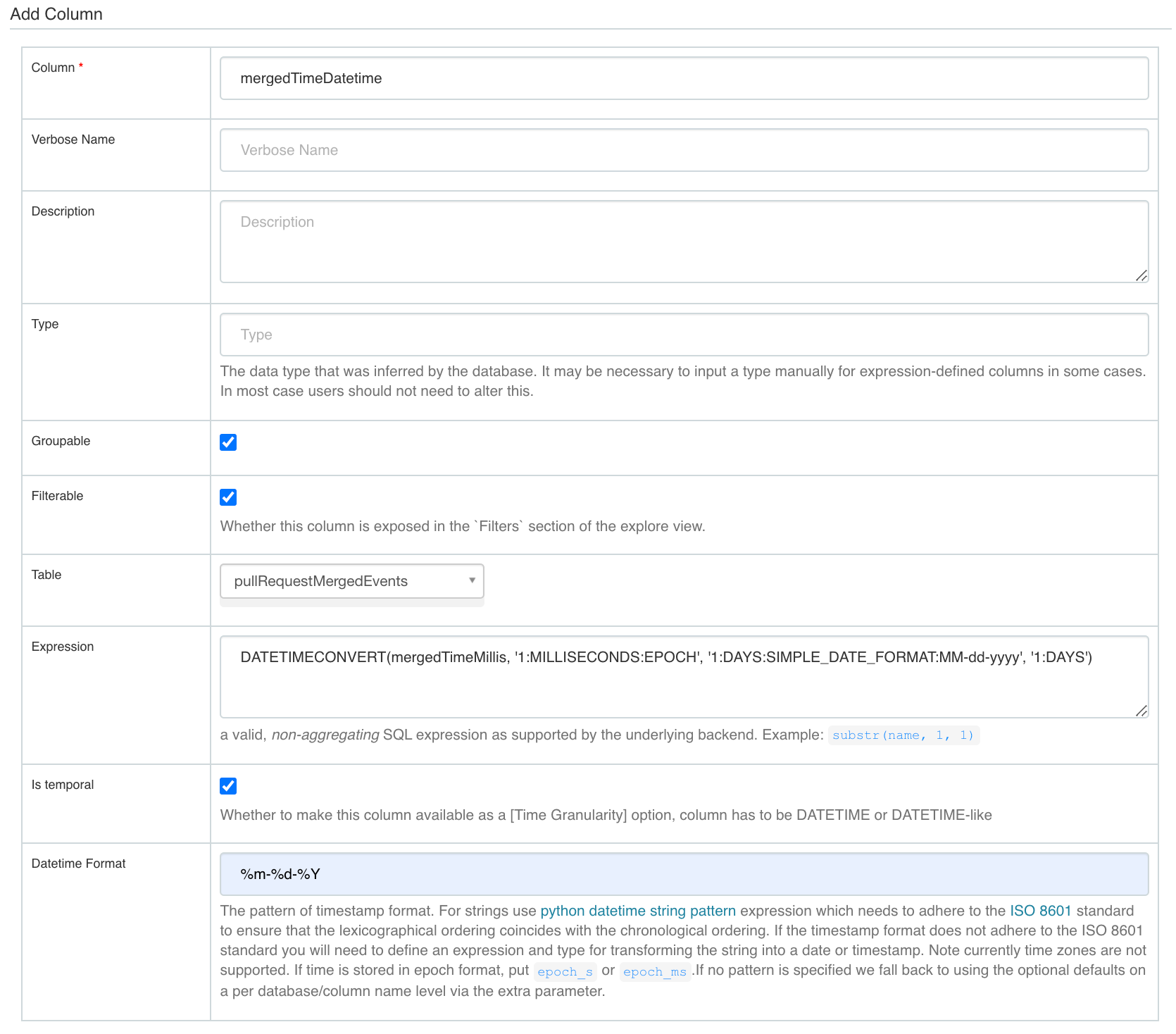
Adding a derived column
User can also add a new column by setting the expression.
Another example: